Hello
An ornamental animation for classic macs

[Hello v1.1 sit.hqx]
Demonstrate how cool your classic mac or pico-mac is by running this app while it stands majestically in its’ favorite place watching you go about your business.
The original macintosh introduction by Steve Jobs displayed a few demo screens, starting with “MACINTOSH” scrolling right to left across the screen, followed by a scene titled “Macintosh” with “insanely great” in cursive writing being drawn out below. A sequence of screen shots of apps like MacPaint and MacWrite and a handful of images rounded off the demo.
I recently acquired an extremely cute pico-mac-nano from 1bit rainbow, and wanted to find a simple demo program like that to run on it while it sat on a shelf in my living room. After trawling through so many demo’s, games and novelty apps on Macintosh Garden, nothing seemed up to the task, so I decided to write my first Classic mac app. “hello” now has it’s own page on Macintosh Garden here for direct download on a classic mac.

“Hello”1.1 is 14,797 bytes in size, runs on an original 128K mac or later under System 1 to 9 (I would recommend running under System 3.2, the last OS that could run on a 128K mac). It cycles through three scenes with a fade out between each one. The first scene slowly draws the famous handwritten “hello”, which originally featured as a MacPaint image in that original demo. The second scene displays a text title dropping from the top of the screen and a subtitle fades in below. By default these are “Macintosh” and “pico-mac-nano”, but you can change this in the preferences. The third and final scene slides in the drawing of the original mac which was present in the scrapbook in the early System releases.
To run the app immediately after powering on, under System 3.2 select the app and then Set Startup from the Special menu. To quit the app and return to the Finder, press Cmd Q or select Quit from the File menu. The File menu also accesses the Preference settings, to allow you to choose Light or Dark Mode, whether to show or hide the menu bar and modify the message displayed in scene 2.
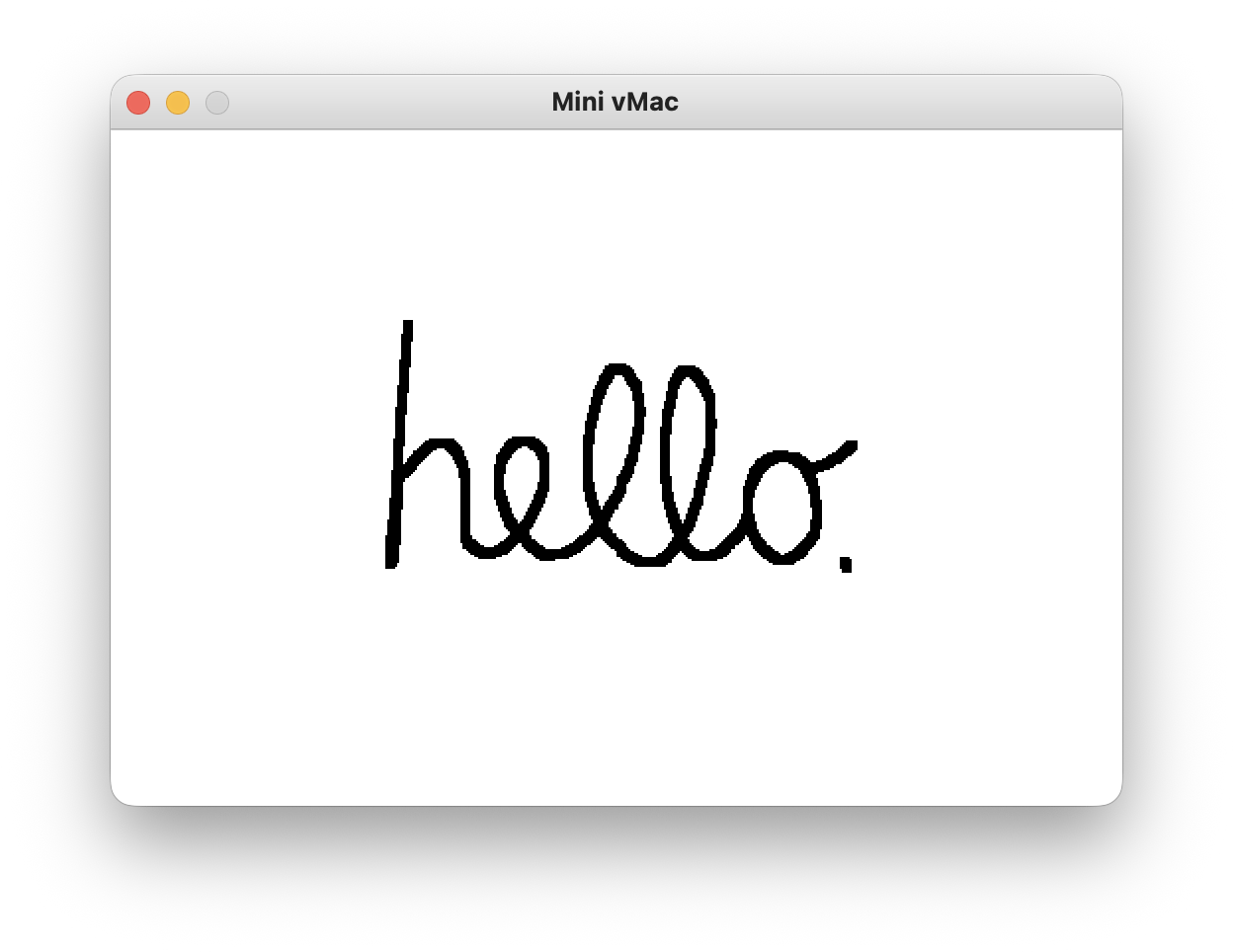
Light mode with menu hidden
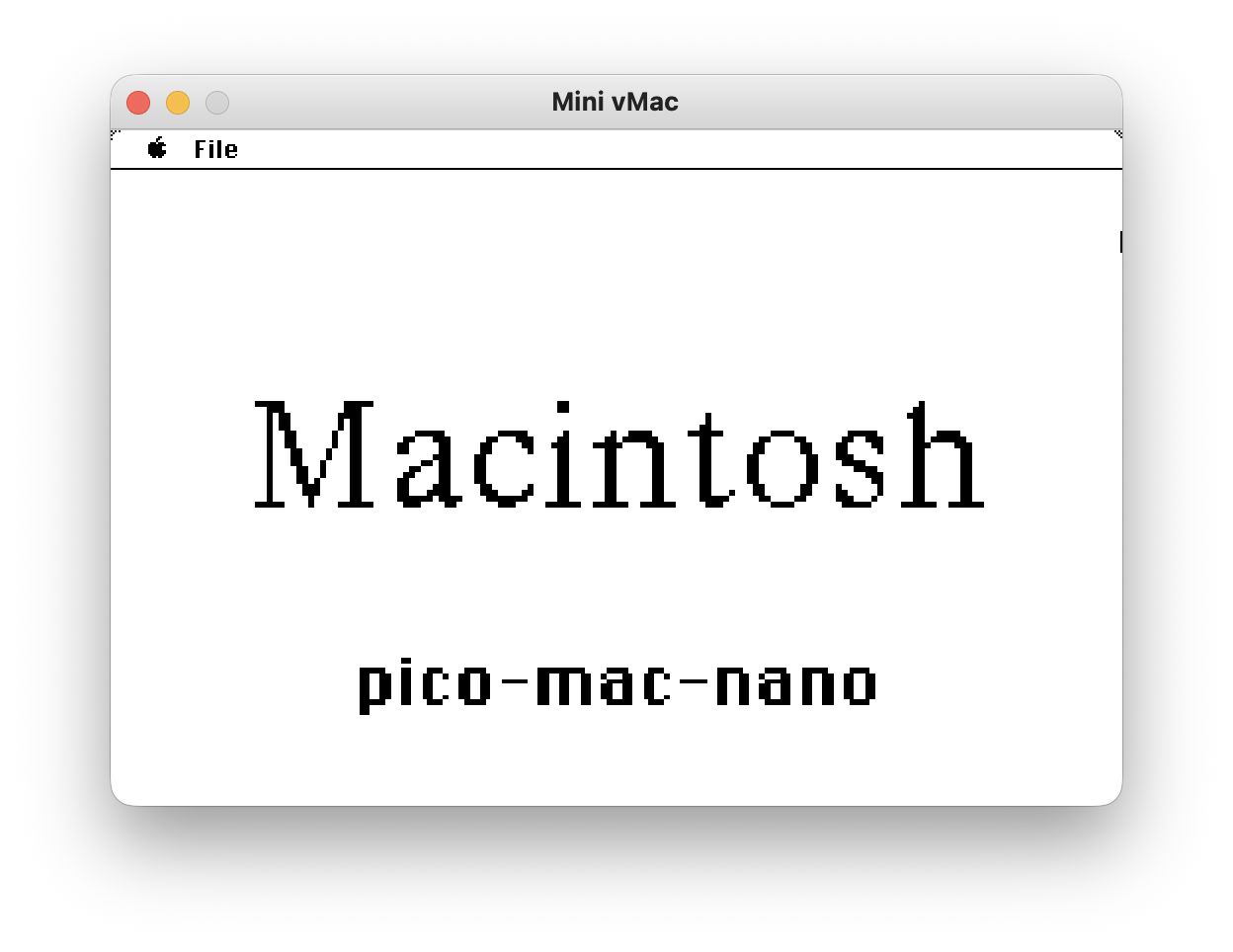
Scene 2 showing menu
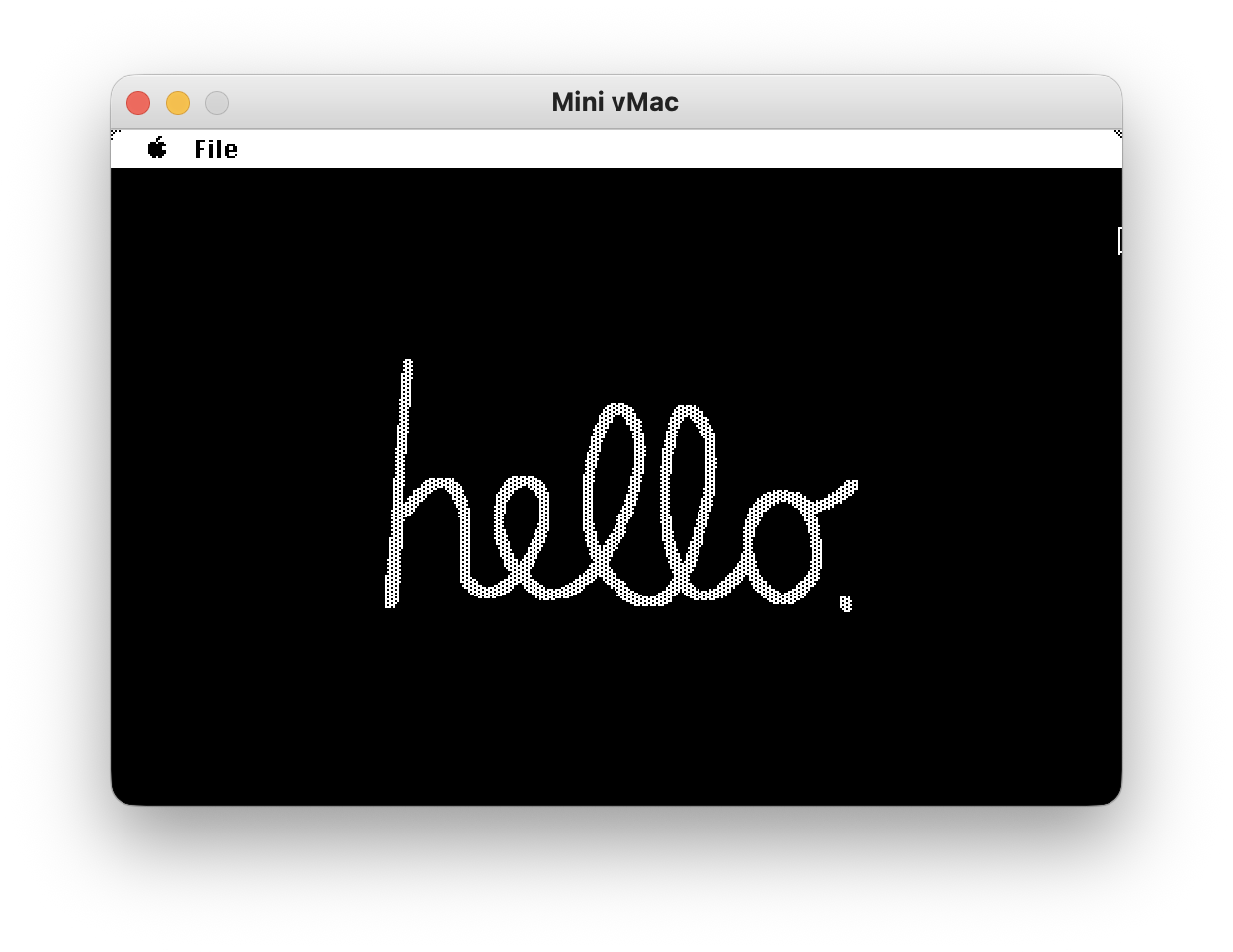
Dark mode, showing menu
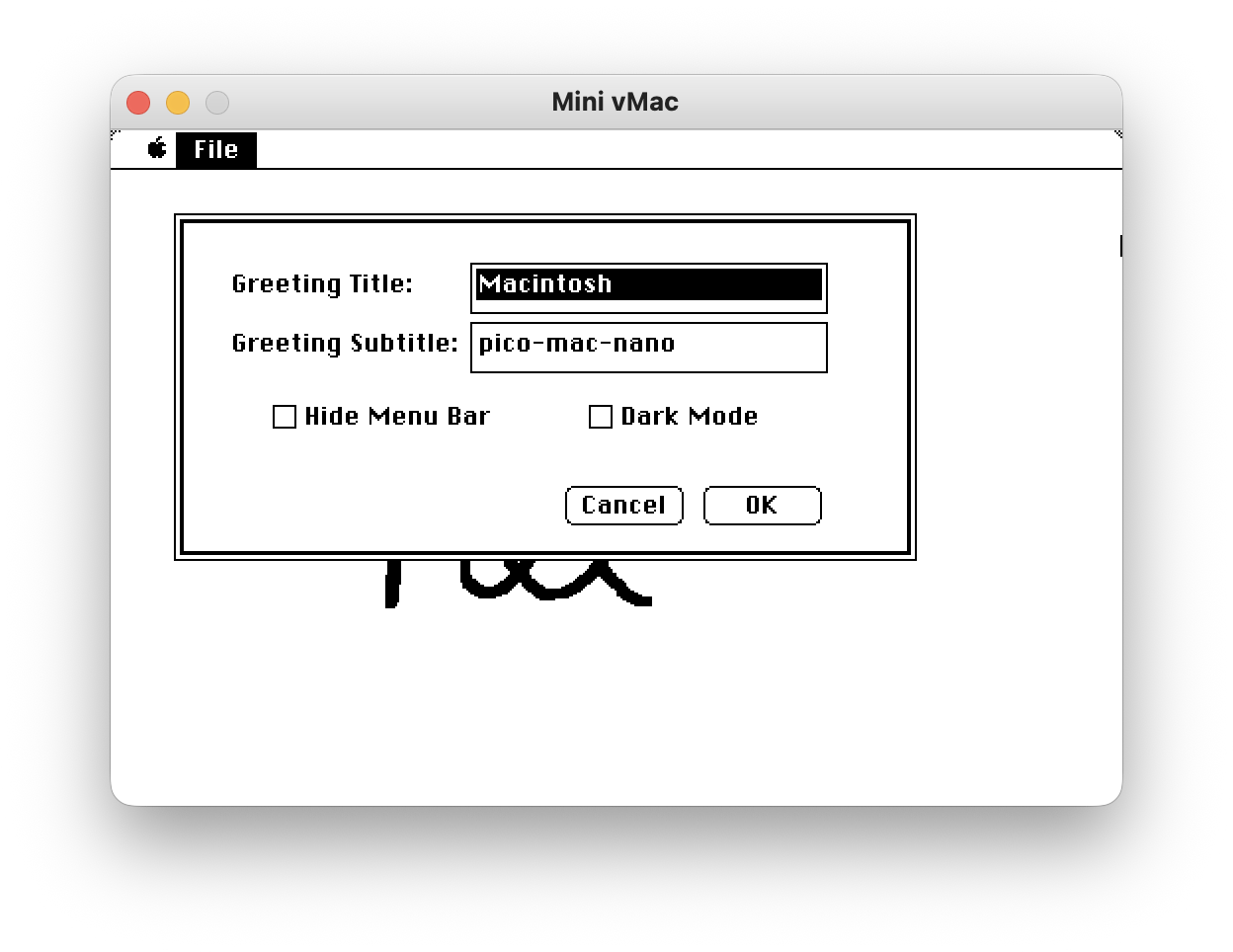
Select Preferences from the File menu to change the greeting messages in the second scene and to enable or disable Dark mode™ and menu hiding behavior.
If the menu is hidden it can be revealed with a mouse click or key press, and it will disappear again after 10 seconds.
A note on how the sauce was made.
I used classic macs back in the day, and wrote some Java applications under Systems 8 and 9, but never wrote a bona-fide native app for those pre OS X machines. I turned to Google Antigravity to get me started, and built the app with THINK C 6.0 on a System 7.5 running on the Basilisk emulator and Apple’s resource compiler Rez which still runs under macOS Tahoe and is included in Xcode’s command line tools ! Antigravity was great to set up the basic application code, but modifying and adding features became cumbersome, so the final stretch of fine tuning, spit and polish that was done by unassisted hand and mind.
I took the hello image from a MacPaint sample file, and traced out the cursive path in Pixelmator Pro, saved to an SVG, and then used Gemini to transform the SVG path into an array of points to plot in QuickDraw to give the cursive animation. The second scene was inspired by the first public macintosh demo, and the default parameters pay homage to the cute little pico-man-nano. For the third screen I converted the PICT drawing in the standard System 3 scrapbook and converted it to a bitmap, to be able to draw it quickly in either black or white.